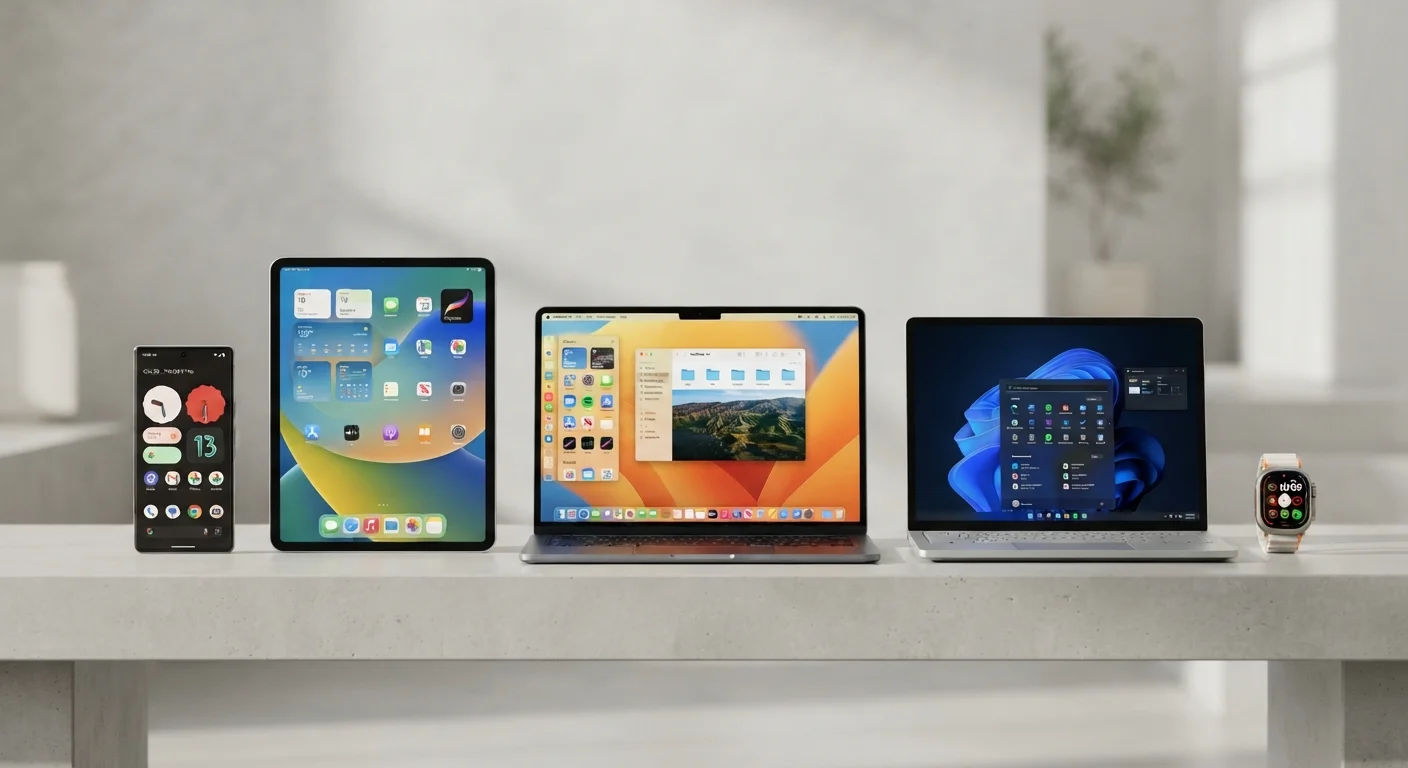
What an Operating System Actually Decides for You
An operating system (OS) is the software layer that manages everything between your hardware and the apps you use. But its influence goes well beyond technical plumbing. Your OS determines which apps you can install, how long your device receives security updates, which other devices sync easily with yours, and what your upgrade path looks like years from now.
If you're not yet familiar with core device specs, our electronics literacy primer covers the foundational concepts before you shop. Once you understand what an OS commits you to, the comparison below becomes much more useful.
| Android | iOS / iPadOS | Windows | macOS | ChromeOS | |
|---|---|---|---|---|---|
| Hardware variety | Very wide (many OEMs) | Apple devices only | Very wide (many OEMs) | Apple devices only | Chromebook OEMs only |
| App ecosystem | Google Play + sideloading | App Store only | Windows Store + direct install | App Store + direct install | Chrome Web Store + Android apps |
| Customization | High | Moderate | High | Moderate | Low to moderate |
| Update consistency | Varies by manufacturer | Long, consistent cycles | Variable by hardware | Long, consistent cycles | Auto-managed by Google |
| Offline capability | Strong | Strong | Strong | Strong | Limited |
| Ecosystem lock-in | Moderate (Google services) | High (Apple ecosystem) | Low to moderate | High (Apple ecosystem) | Moderate (Google services) |
| Typical price range | Budget to premium | Mid to premium | Budget to premium | Mid to premium | Budget to mid |
Android: Openness at a Cost
Android, developed by Google and licensed to dozens of hardware manufacturers, gives you more device choice than any other mobile OS - from budget handsets under $200 to premium flagships. That openness is a genuine advantage for customization, sideloading apps, and choosing your own default apps and services.
The trade-off is fragmentation. Because Android runs on hardware from many manufacturers, the update experience varies widely. Google's own Pixel devices receive updates directly; other manufacturers set their own schedules, and some budget devices receive limited OS updates. Software support cycles are a critical factor here that the spec sheet won't spell out for you.
Check the Update Policy Before You Buy
When evaluating any Android device, look up the manufacturer's stated update commitment - measured in years of OS upgrades and security patches. Some manufacturers now publish this clearly; others do not. A device with two years of promised updates has a fundamentally different long-term value proposition than one with five, regardless of its hardware specs.
iOS and macOS: Integration as a Feature
Apple's mobile OS (iOS/iPadOS) and desktop OS (macOS) are built exclusively for Apple hardware. That constraint enables tighter optimization - Apple controls both the silicon and the software, which generally translates to consistent performance and longer update support windows. Apple has committed to multi-year software support on recent devices, which is meaningful for long-term value.
The ecosystem integration between iPhone, iPad, and Mac is genuinely useful if you already own multiple Apple devices - features like Handoff, AirDrop, and iMessage work seamlessly. For users outside that ecosystem, those advantages disappear. App availability on iOS is strong, though the App Store is the only distribution channel, which limits flexibility compared to Android or Windows.
Windows: The Compatibility Workhorse
Windows runs on hardware from hundreds of manufacturers across an enormous price range, which makes it the default choice for most business and general-purpose computing. Its key strength is software compatibility - if a desktop application exists, it almost certainly runs on Windows. This matters most for specialized professional software, legacy enterprise tools, and PC gaming.
Windows also supports the widest variety of connectivity options and peripherals. If you're evaluating ports and hardware interfaces alongside your OS decision, our connectivity ports field guide is a useful companion. The main friction points with Windows are inconsistent update experiences across hardware configurations and variable manufacturer support quality.
ChromeOS: Designed for the Web
ChromeOS, Google's lightweight OS found on Chromebooks, is built around the assumption that most of your work happens in a browser. That's increasingly true for many users - email, documents, video calls, and streaming all run well in Chrome. ChromeOS devices tend to cost less, boot quickly, and require minimal maintenance.
The limitations are real: locally installed software options are narrow (Android apps via the Play Store fill some gaps, but not all), and offline capability is more restricted than on Windows or macOS. For users whose workflow is genuinely web-first - students, casual home users, those who rely on Google Workspace - ChromeOS is a practical, low-friction option. For users who depend on specific desktop software, it isn't.
Before committing to any platform, a structured checklist of device questions can help you confirm that no critical compatibility issue slips through.
Ecosystem Switching Has Real Costs
Switching operating systems after years of use isn't just a learning curve - it can mean losing access to app purchases, incompatible file formats, or devices that no longer sync the way you expect. Before committing to a platform, consider not just where you are now, but where your devices, data, and workflow are likely to be in three to five years. Migration is possible, but rarely free or frictionless.