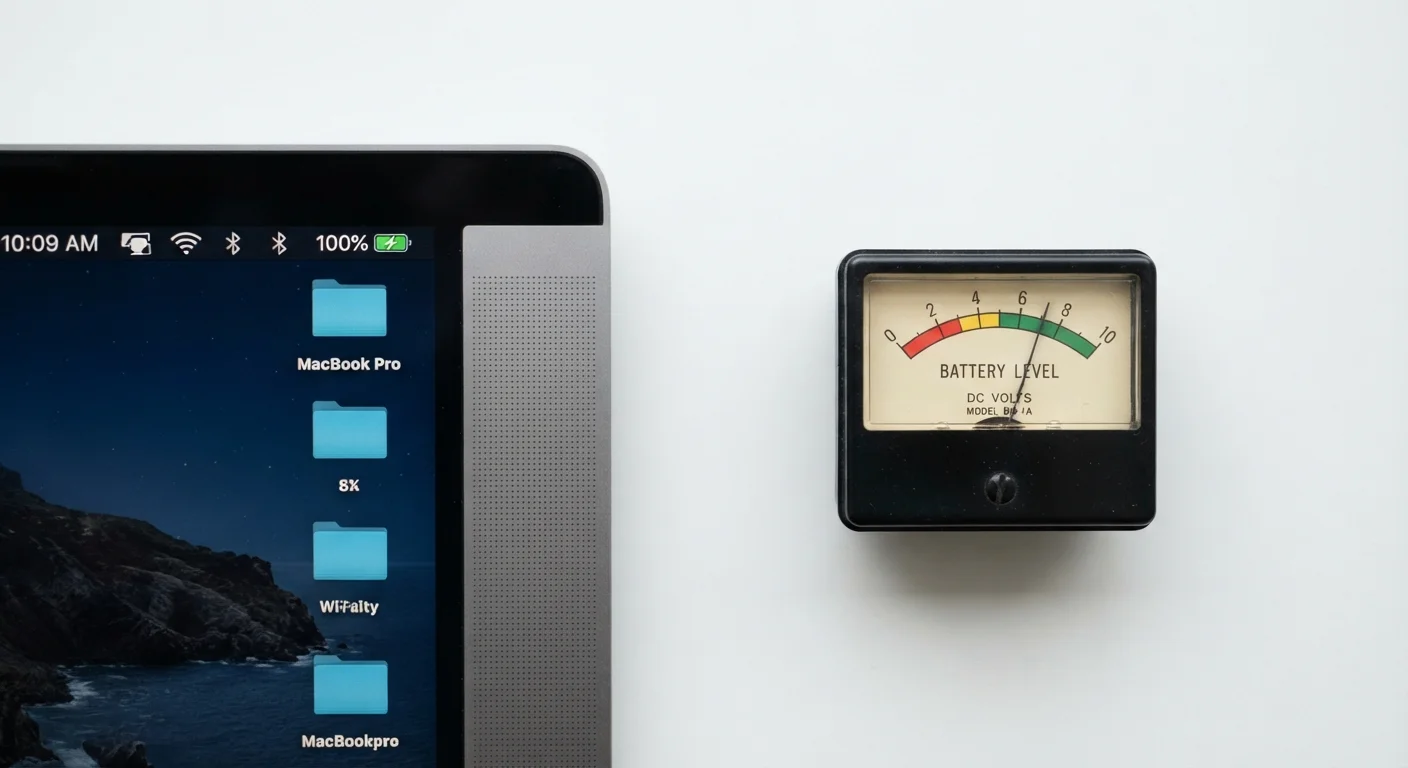
Why Lab Numbers and Real Life Don't Match
When a device box says "up to 20 hours," that number comes from a test environment built to minimize power consumption - not simulate your day. Manufacturers typically run tests with screen brightness set to 50% or lower, airplane mode or Wi-Fi only (no cellular), no background apps running, and a single looping task like video playback or document reading.
Strip away those accommodations and add the conditions most people actually use - full brightness outdoors, streaming over cellular, multiple browser tabs, notifications firing - and battery life can drop to half the rated figure or less. This isn't false advertising in a legal sense; the word "up to" does important work. But it does mean the number on the box requires interpretation, not trust.
As the marketing language on electronics packaging article explains, "up to" claims consistently represent the absolute best-case scenario, not a typical outcome.
~60-70%
Typical real-world battery yield vs. rated hours
Independent reviewer benchmarks across laptops and smartphones consistently show real-world runtimes falling to roughly 60-70% of manufacturer-rated figures under mixed active use.
~80%
Capacity retained after ~500 charge cycles
Lithium-ion batteries in consumer electronics generally retain around 80% of original capacity after several hundred full charge cycles, according to battery chemistry research and manufacturer guidelines.
20-40%
Battery life reduction from full screen brightness
Display power consumption at 100% brightness versus 50% can reduce total runtime by 20-40%, making screen brightness one of the single most impactful variables in real-world battery performance.
The Biggest Real-World Power Drains
Understanding which variables collapse battery life helps you predict your own experience before you buy.
- Screen brightness: The display is almost always the largest single power draw. Going from 50% to 100% brightness can reduce runtime by 20-40% on its own.
- Wireless radios: Cellular (especially 5G), Bluetooth, and Wi-Fi all consume power even when you're not actively using them. Lab tests often run with radios disabled or in low-activity states.
- Processor load: Video calls, gaming, photo editing, and other CPU- or GPU-intensive tasks draw significantly more power than idle browsing or reading.
- Background processes: Email syncing, app updates, and location services run quietly in the background but add up over hours.
- Temperature: Cold environments reduce battery output; high heat accelerates long-term degradation.
This is also why the wired versus wireless decision matters for battery-powered accessories - wireless convenience always comes with a power cost.
Quick Settings That Extend Real-World Battery
Reducing screen brightness to 60-70% and disabling Bluetooth or cellular when not in use are the two highest-impact changes most users can make without affecting their core tasks. Many devices also offer a battery saver or low-power mode that limits background activity - enabling it when you're below 30% can meaningfully stretch remaining runtime.
How to Get a Realistic Estimate Before You Buy
The most reliable battery data comes not from the manufacturer but from independent reviewers who run repeatable, real-world test scenarios. Look for tests that specify: screen brightness percentage, Wi-Fi on, and a consistent task like continuous web browsing or streaming. Those conditions are far closer to everyday use than a looping video in airplane mode.
A few practical approaches:
- Check multiple reviewers. One test can be an outlier. Three or four consistent results from different publications give a reliable range.
- Apply a conservative discount. For most users with mixed workloads, expect roughly 60-70% of the rated figure as a working estimate. A 15-hour rating might realistically deliver 9-11 hours of active use.
- Factor in age. Lithium-ion batteries degrade with charge cycles. A device you'll own for three years will deliver less capacity in year three than year one. This is worth weighing when comparing devices with very different repairability or battery-replacement options.
Also note that raw battery capacity (measured in milliamp-hours, or mAh) doesn't tell the whole story - processor efficiency and software optimization matter just as much. The assumption that a higher number always means better performance is a common spec trap worth avoiding.
Methodology Disclosure Matters
When reading a reviewer's battery test, look for explicit disclosure of test conditions: brightness level, connectivity status, and task type. A test that doesn't disclose these variables is difficult to compare against others. The more specific the methodology, the more useful the result is for predicting your own experience.
What This Means When You're Evaluating a Device
Battery life is one of several specs that require translation before they're useful. The rated number is a starting point for comparison - it's still meaningful to know that Device A is rated for 20 hours and Device B for 10, because that difference usually reflects real capacity and efficiency differences. The absolute number is what shouldn't be taken literally.
When battery life is important to your use case, weight it alongside factors like charging speed (how quickly does it recover?), the availability of low-power modes, and whether the battery is replaceable or sealed. These details rarely appear prominently in marketing materials but significantly affect the device's useful life.
If you're building your overall understanding of how device specs work before making a purchase, the electronics literacy guide for first-time buyers covers battery alongside display, performance, and connectivity in plain terms.