Why Your Budgeting Tool Matters More Than You Think
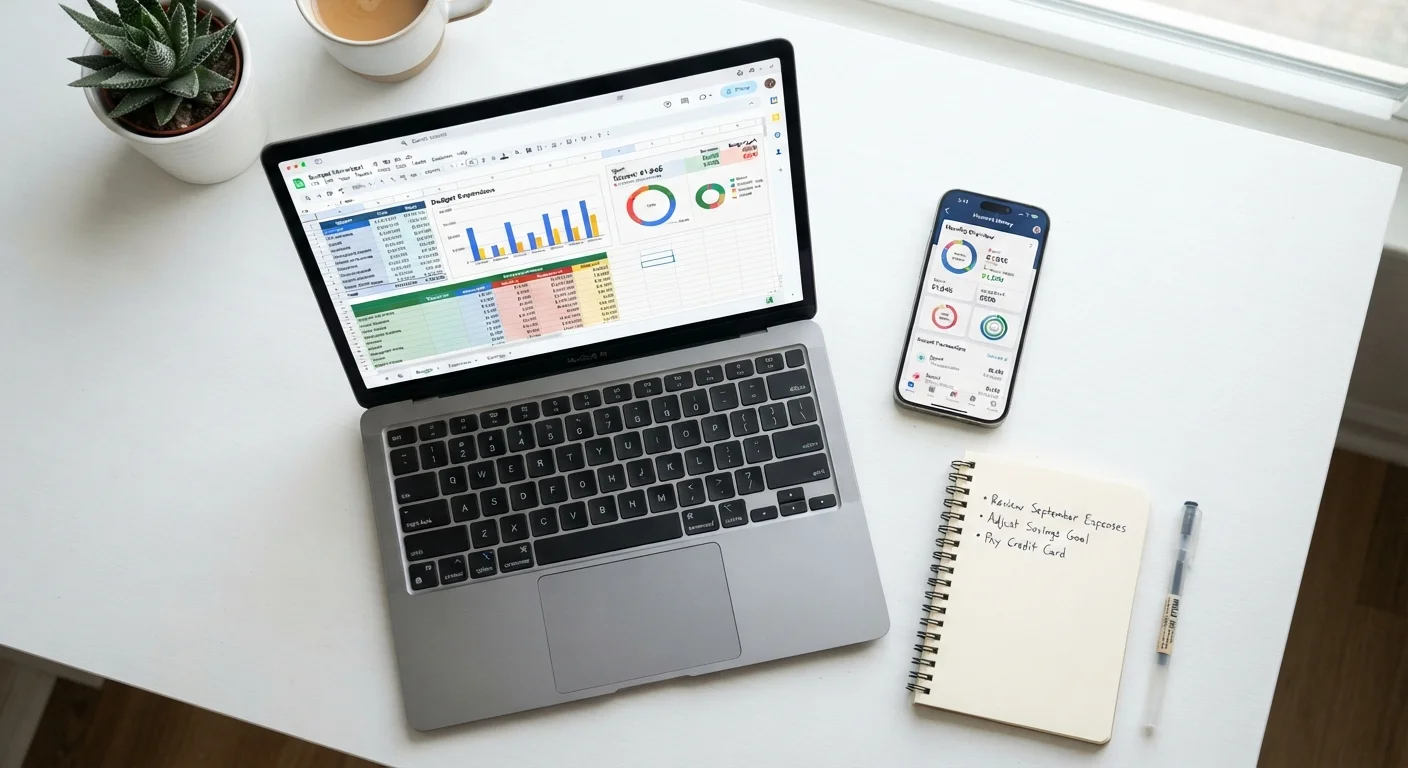
A budget that exists only in theory doesn't help anyone. The tool you use to build and maintain it directly affects whether you stick with it. Spreadsheets and budgeting apps represent two fundamentally different relationships with your money - one demands active participation, the other leans on automation. Understanding that difference is the first step toward choosing wisely.
If you've ever abandoned a budgeting system midway through the month, the problem probably wasn't your intentions - it was the friction involved. Research in behavioral economics consistently shows that reducing effort at decision points increases follow-through. That principle applies just as much to budgeting as to anything else. For context on how different budgeting frameworks stack up, see our comparison of zero-based budgeting versus the 50/30/20 rule.
| Spreadsheet | Budgeting App | |
|---|---|---|
| Cost | Usually free (Google Sheets, Excel) | Often free tier; paid plans vary |
| Setup time | Higher - requires manual build | Lower - guided setup with templates |
| Data entry | Manual; requires regular input | Automated via bank connection |
| Customization | Unlimited - fully user-defined | Limited to app's feature set |
| Privacy | Data stays local or on your cloud | Third-party holds financial data |
| Accountability features | Self-directed; no built-in alerts | Spending alerts, goal tracking |
| Best for irregular income | Strong - formulas adapt easily | Varies by app; often less flexible |
The Case for Spreadsheets
A well-built spreadsheet is one of the most flexible financial tools available. You control every category, every formula, and every visual element. There are no subscription fees, no third-party servers holding your banking credentials, and no feature changes pushed out by a developer overnight.
Spreadsheets work especially well for people with irregular income - freelancers, gig workers, or anyone whose monthly cash flow varies significantly. You can build formulas that adjust projections based on what actually comes in, something most apps don't handle gracefully out of the box.
The trade-off is real, though. A spreadsheet only works if you update it. That means logging every transaction manually - or at least reconciling regularly. For some people, that hands-on process is exactly what builds financial awareness. For others, it becomes a chore that quietly gets skipped.
Make Your Spreadsheet Work Harder
If you use a spreadsheet, build in a weekly 10-minute review as a recurring calendar event. Consistency matters far more than complexity - a simple template you update weekly outperforms an elaborate one you open monthly. Color-coded conditional formatting can also make overspending categories jump out at a glance, reducing the cognitive effort of review.
The Case for Budgeting Apps
Budgeting apps reduce the friction of tracking by connecting directly to your bank and credit card accounts, automatically categorizing transactions as they happen. For someone juggling multiple accounts, this kind of automation can mean the difference between a budget that's always current and one that's perpetually two weeks behind.
Many apps also offer alerts when you approach a spending limit, visual spending breakdowns, and progress tracking toward savings goals. These features tap into the same behavioral principles that make habit-tracking apps effective: immediate feedback and visible progress motivate continued engagement.
The concerns worth noting: linking financial accounts to a third-party app involves a real privacy and security consideration. Different apps handle data differently, so reading the privacy policy before connecting an account is a reasonable step. Additionally, many capable budgeting apps carry a monthly or annual subscription fee, which should be weighed against the value you get.
If you prefer tracking every dollar with physical or digital envelopes, our article on envelope budgeting in a digital age explores how that method fits alongside modern tools.
Before You Link Your Bank Account
When connecting any financial account to a budgeting app, take a few minutes to review how the app stores and shares your data. Look for apps that use read-only access rather than your actual login credentials, and check whether the app sells anonymized spending data to third parties. These details are typically disclosed in the app's privacy policy.
Choosing the Right Fit - and Making It Stick
Neither tool wins on paper. The question is which one you'll actually open on a Tuesday night when you're tired and need to check whether you have room in your dining-out budget. A few questions can help clarify the right choice:
- Do you enjoy customizing systems? Spreadsheets reward that instinct.
- Does manual data entry feel like a burden? An app's automation may be more sustainable.
- Are you concerned about linking your bank accounts to a third party? A spreadsheet keeps your data local.
- Do visual dashboards and spending charts motivate you? Apps typically do this better.
Whichever route you choose, pairing it with a regular check-in habit matters as much as the tool itself. Our monthly budget health check walks through a simple routine for keeping any budget on track. And if you're weighing whether a detailed budget is right for your life at all, the honest case for and against strict budgeting offers a balanced perspective worth reading before you commit to either tool.
This article is for general informational and educational purposes only and does not constitute personalized financial advice. Consult a qualified financial professional for guidance tailored to your specific situation.