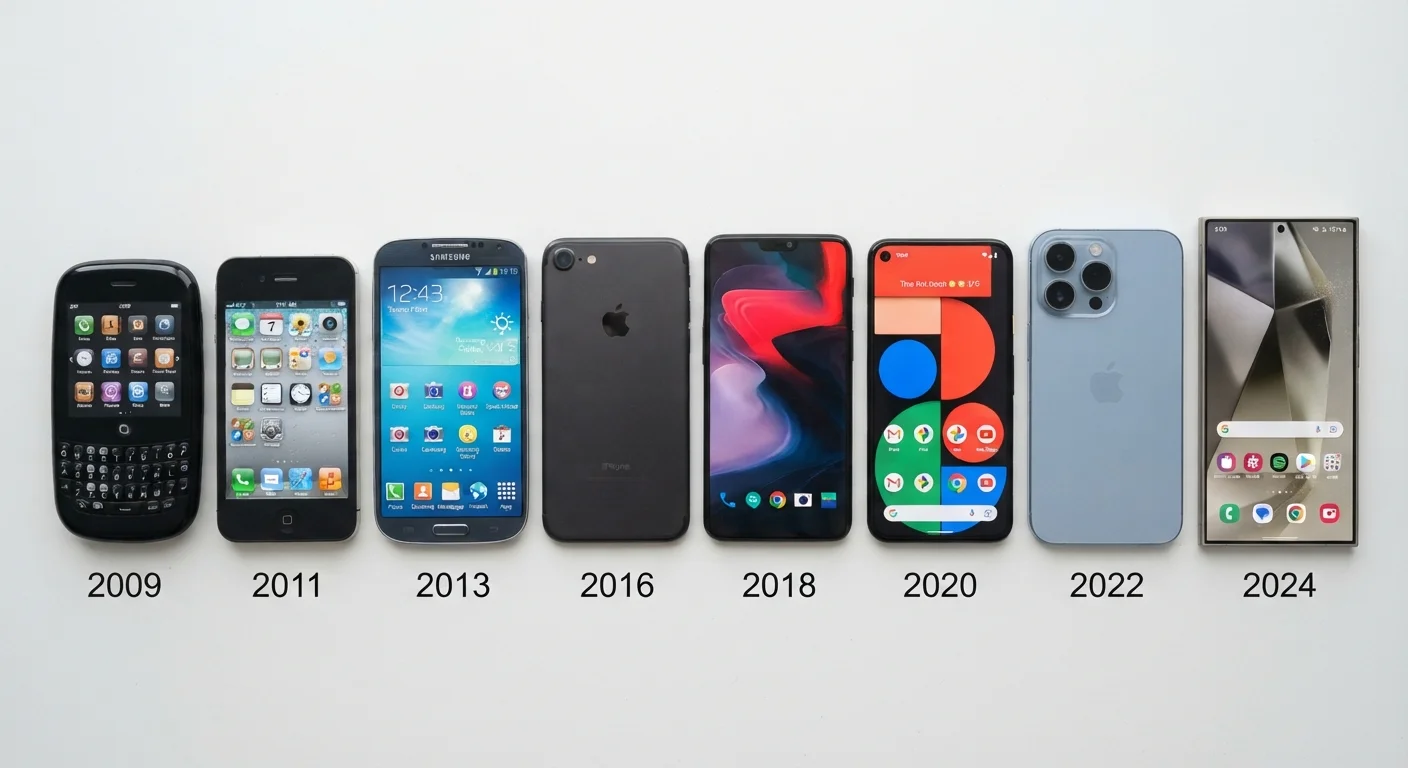
What 'New Generation' Actually Means
When a company announces a new generation of a device, it can mean almost anything - a redesigned internal processor, a new camera module, a software feature set, or simply a refreshed color palette with unchanged internals. The word "generation" carries no technical definition in consumer electronics; it's a marketing boundary, not an engineering one.
True generational leaps usually involve a fundamental architecture change: a new chip platform, a substantially different manufacturing process (say, moving from 5nm to 3nm transistors on a processor), or a rebuilt software layer. Incremental updates, by contrast, tend to optimize within an existing architecture - faster clock speeds, higher megapixel counts, or a slightly larger battery.
If you're new to parsing what these distinctions mean in practice, the foundation guide for first-time electronics buyers covers the core specs - performance, display, battery, connectivity - so you can read these comparisons with more confidence.
How to Measure Whether an Upgrade Is Meaningful
The most useful filter is simple: does the new generation change how you actually use the device? A processor that scores 15% higher on a synthetic benchmark but delivers no perceptible difference during video calls or document editing is not a functional upgrade for most people. A new display technology that cuts eye strain during long reading sessions might be, even if the spec sheet number looks modest.
Compare real-world performance benchmarks, not just headline spec numbers.
Synthetic benchmarks measure theoretical peaks that rarely reflect everyday tasks. Real-world tests - page load times, video export speeds, battery drain under typical use - reveal whether a hardware improvement actually changes the experience.
Identify the specific engineering change driving the upgrade claim.
Not all improvements are equal. A new image signal processor (ISP) genuinely changes camera output; a higher megapixel count on the same ISP may not. Understanding what changed - and in which component - helps you assess relevance.
Check independent teardown and technical analysis sources before deciding.
Manufacturer press materials describe products in their most favorable light. Independent hardware analysts and technical journalists often surface what's actually changed internally versus what's been rebranded or repositioned.
Anchor your upgrade decision to a documented pain point in your current device.
Upgrade fatigue and buyer's remorse often trace back to upgrades motivated by novelty rather than need. Documenting a specific limitation - insufficient storage, a cracked display, inability to run a required app - creates an objective threshold.
Factor in the cost-per-year of the upgrade, not just the upfront price.
Dividing the effective cost of ownership by expected years of useful life gives a more honest picture of value than comparing sticker prices. Devices with longer support windows and durable builds often cost less per year than cheaper alternatives that become obsolete faster.
It's also worth scrutinizing how manufacturers describe improvements. Words like "up to," "optimized," and "enhanced" often signal that gains are conditional or context-specific. Our guide on how marketing claims on electronics packaging work breaks down these phrases and what they typically obscure.
The Role of Software Support in Upgrade Decisions
One of the most overlooked dimensions of a generational upgrade is software longevity - how long the device will receive security patches and operating system updates. A device with better hardware but a shorter support window can become less useful sooner than an older device that continues receiving updates.
Software Support Timelines Vary Widely
Some manufacturers commit to five or more years of security updates; others provide as few as two or three. This variation exists across device categories - phones, tablets, laptops, and smart home hardware all follow different norms by manufacturer. A newer device with a shorter support commitment may become functionally outdated before an older, well-supported one.
Before deciding whether to upgrade, check the manufacturer's stated support timeline for both your current device and the new model. This information isn't always prominently advertised, but it's often findable in technical documentation or support pages. Our article on software support cycles explains why this is one of the most important specs you won't find on the box.
Building Your Own Upgrade Framework
Rather than responding to product launch cycles, build a personal framework based on your device's actual limitations. Ask yourself: what does my current device fail to do that genuinely affects my daily workflow? If the answer is "nothing," that's important information.
For a structured checklist covering compatibility, longevity, and performance factors, the questions to ask before committing to any device guide provides a useful framework. And if you find yourself drawn to a higher number on a spec - more megapixels, more GHz - it's worth reading why a higher spec number doesn't always mean better performance before drawing conclusions.
This article is for general informational and educational purposes only. Specific device performance and support timelines vary by manufacturer and product; verify details directly with the manufacturer before making any purchase decision.