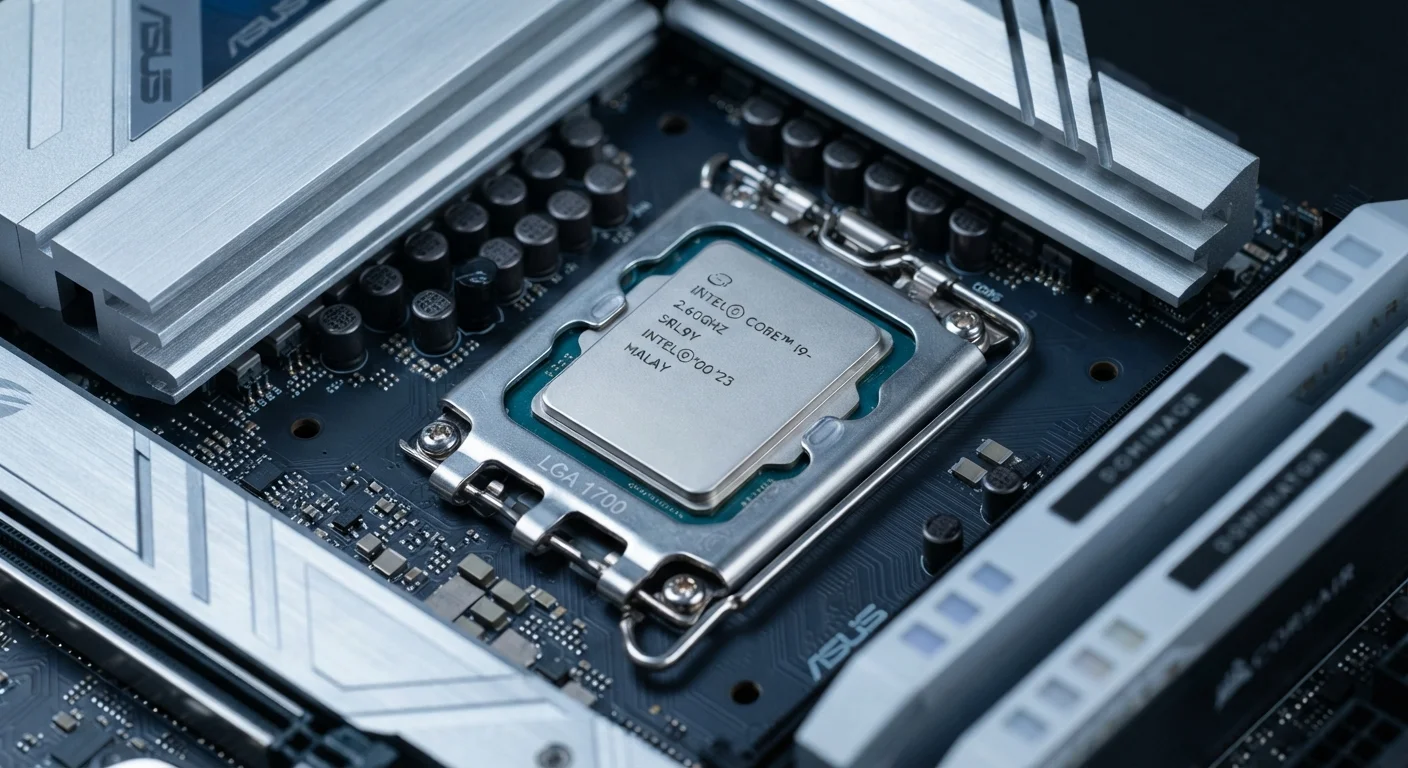
Clock Speed: What GHz Actually Measures
Clock speed, measured in gigahertz (GHz), tells you how many processing cycles per second a single core can execute. One gigahertz equals one billion cycles per second. On paper, more cycles sounds like more speed - and within the same chip family, that holds true. A 3.8 GHz version of a given processor will generally edge out the 3.2 GHz variant of the same model.
The trap is comparing GHz across different chip families or generations. Processor architectures vary enormously in how much useful work they accomplish in each cycle. This efficiency is called IPC (instructions per cycle), and it isn't printed on the box. A chip with higher IPC can do more real work per clock tick, which is why raw GHz comparisons across generations almost always mislead.
For context: more isn't always better when it comes to spec numbers - GHz is a textbook case of a number that looks decisive but rarely is without context.
Check the Full Model Number, Not Just GHz
When evaluating a device, find the complete processor model number - it's usually in the full specifications tab on a product listing or in the device's system settings. That number lets you look up the generation and architecture independently, which is more reliable than anything the marketing copy says.
Core Count: When More Cores Help (and When They Don't)
A core is an independent execution unit inside the processor. A quad-core chip has four; an octa-core has eight. Multiple cores let a processor handle several tasks simultaneously rather than rapidly switching between them.
Whether extra cores help you depends entirely on what you're running. Most everyday computing - browsing, documents, video calls - runs primarily on one or two cores at a time. Software has to be written to take advantage of multiple cores, and not all of it is. Tasks like video encoding, 3D rendering, compiling code, and running virtual machines are where high core counts pay off in measurable, real-world time savings.
~15-30%
Typical IPC gain per processor generation
Industry benchmarking data consistently shows single-generation IPC improvements in the 15-30% range for major processor families, though results vary by workload and manufacturer.
2 cores
Cores actively used in most everyday tasks
Research on typical consumer workloads - web browsing, office apps, video streaming - shows the majority of CPU-bound activity runs on one to two cores at any given moment.
Many modern chips also separate cores into two classes: performance cores for demanding tasks and efficiency cores for lighter background work. This hybrid design improves battery life on laptops without sacrificing peak speed. When you see an unusually high core count on a laptop chip, check whether those are all performance cores or a mix - the distinction matters.
Generation: The Spec That Marketing Buries
Processor generation - often embedded in the model name as a number or letter suffix - indicates which design revision the chip belongs to. Each new generation typically delivers improvements in IPC, power efficiency, and sometimes built-in features like on-chip AI processing or updated memory support.
Manufacturers cycle through generations regularly, and an older generation chip running at a high clock speed will frequently lose to a newer generation chip at a lower one. This makes the generation number one of the more important specs to identify - yet marketing materials often emphasize brand tier names and GHz instead.
To find the generation, look at the full model number rather than the product's marketing name. For a deeper look at how these design cycles work, see how generational upgrades in electronics actually work.
Integrated vs. Dedicated Graphics
Many processors include integrated graphics built directly into the chip, which is adequate for everyday display tasks and light photo editing. If you plan to run demanding games or professional visual applications, a separate dedicated GPU matters - but the CPU generation still affects how well it coordinates with that GPU.
Putting It Together: Matching CPU Specs to Real Use Cases
No single spec defines a processor's worth - it's the combination that matters. A useful mental framework is to pair each spec with the workload it governs:
- Clock speed: Benefits single-threaded tasks - older games, some productivity apps, general responsiveness.
- Core count: Benefits parallelizable workloads - rendering, encoding, heavy multitasking.
- Generation: Affects overall efficiency, per-watt performance, and access to platform features like faster memory or connectivity standards.
- TDP: A rough proxy for power draw and heat - critical for laptops, less so for desktops.
A device being marketed around a high clock speed on an older-generation chip may look impressive on a shelf card but underperform a newer chip with a modest GHz rating. Processor specs don't exist in isolation, either - display quality and connectivity have their own spec languages worth learning. Our guide to screen resolution, refresh rate, and panel type covers the display side of device evaluation. For a broader grounding in electronics specs as a whole, electronics literacy for first-time buyers is a solid starting point.
“The most important thing consumers can do when reading processor specs is to identify the generation before comparing anything else. A clock speed without a generation is like a mileage figure without knowing if it's city or highway.”
— Consumer electronics research analyst, Technology policy and consumer electronics researcher